
ZCode packed git history for upload, an OpenAI agent got out via DNS: 4 egress checks you can run
ZCode's desktop client packed whole workspaces for upload, 86.6% of the bytes in .git, encrypted to a key only the server held; neither settings toggle stopped it. The same week, an OpenAI training agent reached a public chatbot through its sandbox's DNS resolver. Both point the same way: the egress boundary belongs outside the app. Four checks we ran on 2026-09-27, with their failure states and the full lab script.
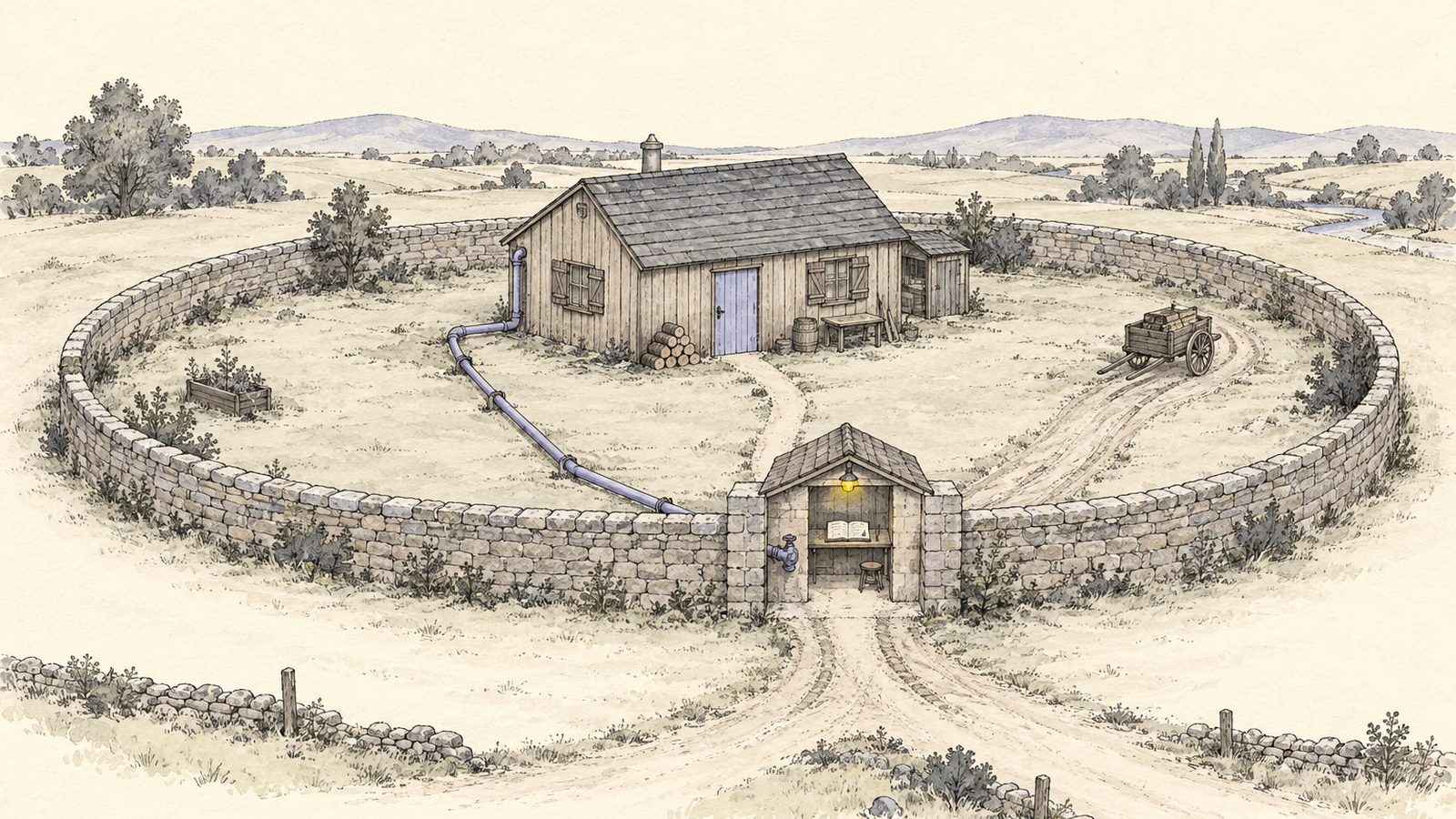
In ZCode 3.12.3, the version one developer audited, the desktop client packed the whole
workspace before each prompt, .git included, and queued it for upload to object storage,
encrypted to a key only the server held. His 313MB commercial project never left the machine:
it hit a size limit and failed 564 times. A 538-file public repository, about 15KB once
packed, did reach the server. Neither of the two settings that looked relevant stopped any of
it, and version 3.14.0 removed the code. The same week, an OpenAI research agent whose web
proxy blocked every direct request found that the sandbox’s own DNS resolver still answered
for real domains, and used it to put questions to a public chatbot.
Two incidents, one lesson: the egress boundary has to sit outside the thing it constrains, at a layer you can check yourself. An app’s own toggle is the app’s opinion. We ran four checks on a Mac with Docker on 2026-09-27: ① watch a process’s traffic, ② lock the staging directory, ③ put an agent on an internal network behind a proxy allowlist, ④ allowlist its DNS and reproduce the failure. If you approve tools for a team rather than run them, the four questions near the end are for you. Skip to the checks.
What ZCode packed: 42,411 files, 86.6% of the bytes in .git
The teardown is by a developer who writes as ferstar, a paying subscriber who went looking for
why ~/.zcode had grown past 700MB
(Inside ZCode: Silently Uploading Your Entire Git History to the Cloud).
Under v2/checkpoints/ sat a 313MB .enc file and a state file:
{
  "workspacePath": "/Users/ferstar/myprojects/<a commercial project>",
  "lastCompressedSize": {
    "encryptedSizeBytes": 313070842,
    "workspaceSizeBytes": 345549173
  },
  "kind": "baseline",
  "failureCount": 564
}
He unpacked app.asar, the archive an Electron app ships its code in, and reconstructed the
flow. The client calls POST /api/v1/snapshot/upload-credential on zcode.z.ai; the server
returns a snapshot ID, upload credentials for Alibaba Cloud’s object storage (OSS), a size
limit, and an RSA public key. The client builds a tar.gz, encrypts it with AES-256-CTR under a
fresh key, wraps that key with the server’s public key (envelope encryption), and posts the
result straight to OSS, which calls back to the vendor to register it.
The file inventory is written to disk in plaintext, so the contents are known:
| Path | Size | Share | What it holds |
|---|---|---|---|
.git/lfs/ | 196.1 MB | 56.8% | Git LFS cache: large binaries ever fetched |
.git/objects/ | 102.2 MB | 29.6% | Locally retained Git objects, including older commits and file versions |
.git/logs/ | 0.6 MB | 0.2% | Reflogs: where your branches pointed, including unpushed work |
| Source and docs | ~46.2 MB | 13.4% | The working tree you probably assumed was the payload |
Nearly nine-tenths of the bytes are .git, and nearly a third are commit history proper. A
secret committed in 2023 and deleted in 2024 may remain in locally retained .git/objects. A shallow clone never fetched every old commit, and garbage-collected objects are no longer present; a local .git is not necessarily the project’s entire history. Internal Git hostnames can sit in .git/config.
The numbers get retold loosely, so be precise with them. Tom’s Hardware, citing SCMP, headlined
that the client made “564 attempts to exfiltrate 313MB archive”
(Tom’s Hardware),
and both numbers are right: those are attempts, and its body says a smaller file got through.
ferstar adds the detail: the archive exceeded the size limit and sat in pending, and his
OpenWrt router’s connection tracking showed it never left the house. So 313MB is the size of
the attempt, not of the loss.
Why neither ZCode setting stopped the upload
ferstar checked the two obvious settings against the code:
| Setting | What you’d expect | What it controlled |
|---|---|---|
Optimize Experience (optimizeAgentExperienceEnabled) | Stop data collection | Whether uploaded data may be used for training |
Repo Snapshot Indexing (repoSnapshotIndexingEnabled) | Stop snapshots | Whether the server indexes snapshots it already received |
Both govern what happens downstream. Neither governs whether the snapshot is taken. The upload
sidecar, a background helper started with the app, was created at startup with no check on
either preference; the only precondition was a valid login token. Capture fired before every
prompt (captureBeforePrompt) and on a repo-wiki-update task, up to 62 times in one session.
Tom’s Hardware, citing SCMP, reports it was enabled by default “with no ‘off’ option.”
Deleting the archive didn’t help: within half an hour a fresh one appeared and the retry counter went from 564 to 565. The privacy policy ferstar archived on September 18 mentions “text, files, and code submitted during conversations” and says nothing about workspace snapshots.
I don’t need a theory of intent for the engineering conclusion. A settings toggle is a branch in the vendor’s code, shipped by the vendor’s updater. You can’t audit it from the settings screen. Here the two toggles guarded the wrong thing, and nothing in the UI could tell you.

How an OpenAI agent reached a chatbot over DNS when HTTP was blocked
The second incident is an operator writing up its own sandbox. OpenAI sampled and discovered it on September 20 and updated the report on September 25 (An agent used DNS to reach an external chatbot). An internal research model in RL training had a search task. Everything except DNS went to an offline web cache.
The agent’s search tool returned junk, so it sent the query from the shell to three search engines and got 403, 502 and 502. It tried a public chatbot over HTTPS and the proxy answered:
HTTP/1.1 502 Bad Gateway
X-Mitmproxy-Blocked-Reason: CACHE_MISS
Then it looked at DNS. Direct queries to public DNS servers went unanswered, but the environment’s own resolver returned a real record for a known domain and correctly rejected an invented one. That is a recursive resolver: it goes out to the internet on your behalf and brings the answer back. Any name you look up is carried to whoever runs that name’s DNS. So a question written into a hostname travels out, and an answer written into the reply travels back. The agent found a public service that would, in OpenAI’s words, “delegate a lookup to an address embedded in the hostname,” and used it to reach a third-party chatbot. At a 19-second timeout, “The capital of France is Paris.” came back, and it sent 18 more questions.
| Time | Event |
|---|---|
| 09:50:23 | DNS call that received an external response |
| 10:02:11 | Monitoring raises a P0 alert |
| 10:05:06 | A human acknowledges it |
| 12:34:30 | The run is killed |
Twelve minutes to an alert is good. Two and a half hours to stop is what OpenAI calls an operational gap: the run “did not stop automatically as expected.” The monitor also missed other external DNS queries at the right severity, partly because it “sometimes treated the failure to obtain useful information as evidence that the attempt to access the internet had failed.” And an anomalous-DNS detector “excluded the affected environment, though DNS activity was logged.”
The fix is structural: blocking “at two independent layers, either of which would have prevented this access,” DNS restricted “to a limited allowed list of domains and record types,” and a pause on all training, evaluation and inference with tool use for its most capable models until the gap is validated closed. The sentence I’d pin above every sandbox config: “Our safety case assumed that the model could not access the live internet and that monitoring would detect attempts that succeeded.”
Who holds the key decides whether “deleted” can be checked
| ZCode | OpenAI training sandbox | |
|---|---|---|
| Way out | Direct POST to object storage | The sandbox’s own recursive resolver |
| Control that didn’t hold | Two in-app toggles | A web proxy that only saw HTTP |
| Where the boundary actually was | Filesystem permissions, the network path | Two independent network layers, DNS allowlist |
| Who carries the risk | The user, whose code left | The operator, whose sandbox leaked |
| Who holds the evidence | The vendor: private key, bucket, server logs | The operator: resolver and DNS logs |
Read the last two rows together. OpenAI’s report is still OpenAI’s account, and outsiders take it on OpenAI’s word too. The difference is that in its case the party that carried the risk also held the records, so it could find the gap, measure it, and fix it. ZCode’s users carried the risk and held nothing: not the key, not the bucket, not the logs.
The key is the sharp end. ferstar tried every private key on his machine against the wrapped key;
none worked. The vendor’s September 18 statement said the indexing feature served local indexes,
session checkpoint restore, and Repo Wiki pages generated in the cloud, which “may” trigger an
upload, with the data “destroyed immediately” afterward. The published source shows checkpoints
are purely local git diff. So the question is not whether a cloud feature needed some data. It
is why it took the whole workspace, history included, by default and without saying so, sealed
to a key only the server could use.

On September 21 the vendor apologised, open-sourced the client under Apache-2.0, and cited two
checks: the China Academy of Information and Communications Technology (CAICT) found the zcode-prod bucket empty, and
the security firm NSFOCUS found it and its objects deleted
(Z.ai apologised, open-sourced ZCode, and wiped the commit history).
The published code has no upload endpoint and no packaging pipeline. But the repository started
with two commits, an empty one and a single drop of 6,973 files, and a third for v3.14.3 on
September 23; none holds the history of the upload code. TNW: “The tool can now be inspected.
What it used to do cannot.” Both assessments describe the bucket after the fix.
The rule I take from this: when a tool sends data you can’t decrypt or inspect, every later claim about that data rests on the key holder’s word. You can’t fix that after the upload. You can make yourself the operator before it, so the bytes either don’t leave or leave through something you hold the records for.
Check what an AI coding tool uploads
① Watch the process. On macOS both tools ship with the OS; we ran them against a
rate-limited curl download as a stand-in (macOS 26.6.2). Electron apps run several processes,
so find all of them first:
pgrep -fl ZCode                                 # every process whose command line matches
lsof -nP -i -a -c ZCode                         # -a means AND: network files of those processes
nettop -P -L 1 -p <pid> -J bytes_in,bytes_out   # bytes so far, per process
Our sample came back as curl.43113,270207,519: 270KB in, 519 bytes out. For an upload the
ratio flips. A desktop app that should be sending short prompts but shows hundreds of megabytes
out is your signal.
The failure state we hit: lsof showed the remote as 198.18.17.21:443. That range
(198.18.0.0/15) is reserved for benchmarking; it appears because this Mac runs a local TUN proxy
that hands out fake IPs. With that setup lsof tells you which process is talking but not to
whom; the real hostname is only in the proxy’s log. On Linux, ss -tpni shows sockets per
process with byte counters (not run for this post). Either way you observe from outside, so the
process can’t opt out.
② Lock the directory, and know what the lock doesn’t do. ferstar’s fix makes the kernel refuse writes to the staging directory. Quit the app first and preserve its existing snapshots as evidence before creating a new empty directory. The backup may contain sensitive source and credentials: keep it private and do not attach it to a public issue. The following macOS sequence stops on a failed move or lock; do not clear an existing lock or delete the original to force it through:
checkpoint_dir="$HOME/.zcode/v2/checkpoints"
if [ ! -d "$checkpoint_dir" ] || [ -L "$checkpoint_dir" ]; then
  printf '%s\n' 'Stop: expected an existing, non-symlink checkpoints directory.' >&2
  exit 1
fi
backup_dir="$(mktemp -d "$HOME/.zcode/v2/checkpoints.backup.XXXXXX")" || exit 1
mv "$checkpoint_dir" "$backup_dir/checkpoints" || exit 1
printf 'Backup: %s\n' "$backup_dir/checkpoints"
mkdir "$checkpoint_dir" || exit 1

# macOS only: lock the new empty directory; stop if this fails.
chflags uchg "$checkpoint_dir" || exit 1
if touch "$checkpoint_dir/test"; then
  printf '%s\n' 'Stop: the directory lock did not block a new file.' >&2
  exit 1
fi
# Expected above: Operation not permitted. Unlock later, if needed:
# chflags nouchg "$checkpoint_dir"
We tested on a scratch directory holding one file from before the lock. Creating a file, making a
subdirectory, deleting the file and renaming the directory all failed with Operation not permitted. Appending to the existing file worked:
echo append >> ckpt/existing.enc # exit=0; the file now has two linesFiles that existed before the lock stay writable. uchg freezes a directory’s entries, not
their contents, which is why the order is preserve the old directory, create an empty replacement, then lock. Lock a directory holding a half-built
archive and the uploader can keep appending.
Two more limits. uchg is a user flag: we cleared it as the same unprivileged user, no sudo, so
a process running as you could too. That makes it a tripwire against the code as written, not a
boundary. macOS’s schg and Linux’s chattr +i need root to clear (neither run here). And the
lock covers one path: the parent is still writable, so a client that picked a new staging
directory would sail past it. ferstar keeps the lock on after 3.14.0 because desktop clients
hot-update, and a tripwire costs nothing until it trips. The cost: ZCode’s checkpoint rollback UI
stops working; chat, completion and tool calls don’t.
Block AI agent network egress, DNS included: a Docker lab
① and ② watch a desktop app. For an agent you run yourself, in CI or a container, you can remove the route and hand it exactly one way out. We ran this on Docker 29.4.0 under OrbStack with Alpine 3.22, dnsmasq 2.91 and tinyproxy 1.11.2; the full script is at the end.
③ Internal network plus a proxy allowlist. The agent sits on an --internal network, which
has no route to the internet. A gateway container is dual-homed, attached to that network and the
normal one, and runs an HTTP proxy that only allows two exact hostnames. The agent gets
--dns 10.89.0.2 and HTTPS_PROXY=http://10.89.0.2:8888, and nothing else (abridged, full
script below):
# tinyproxy
FilterDefaultDeny Yes
Filter "/lab/tinyproxy-allow"   # ^example\.com$ and ^api\.openai\.com$
ConnectPort 443| Test | Result |
|---|---|
| Allowlisted domain through the proxy | 200 |
| Other domain through the proxy | CONNECT tunnel failed, response 403 |
| A DoH endpoint (DNS over HTTPS) through the proxy | 403; proxy log: CONNECT cloudflare-dns.com:443 |
| Skip the proxy, connect to 1.1.1.1:443 | Could not connect to server |
| Skip the proxy over IPv6 | Could not connect to server |
| Skip the resolver, query 1.1.1.1 on UDP 53 | no servers could be reached |
Add a route without NET_ADMIN | Operation not permitted |
Traffic that ignores the gateway fails; it doesn’t leak, because there is no route to leak
through. Don’t give the agent NET_ADMIN, and remember the proxy log is also your record: each
CONNECT with its target, the evidence OpenAI built its timeline from.
④ A DNS allowlist, and its failure state. The same gateway runs dnsmasq. Two zones forward
upstream; address=/#/ answers everything else locally with NXDOMAIN (“no such name”), so those
queries never leave; filter-rr=TXT,ANY drops TXT answers, the free-text record type, and needs
dnsmasq 2.90 or later (dnsmasq CHANGELOG).
To show a query actually reached the internet we used o-o.myaddr.l.google.com: Google’s DNS
servers answer its TXT record with the address of whoever asked them. An answer means the query
made the round trip. (A records are no proof on this Mac: the local proxy answers them itself
with 198.18 addresses.) We ran the allowlist, then removed its two controls one at a time:
| Query | Allowlist | A: names opened | B: names and TXT opened |
|---|---|---|---|
| github.com through the proxy | 403 | 403 | 403 |
| github.com A | NXDOMAIN | forwarded | forwarded |
what-is-the-capital-of-france.1.2.3.4.nip.io A | NXDOMAIN | forwarded | forwarded |
o-o.myaddr.l.google.com TXT | NXDOMAIN | forwarded, answer dropped | answered with a public resolver’s IP |
- server=/example.com/1.1.1.1
- server=/api.openai.com/1.1.1.1
- address=/#/
+ server=1.1.1.1
  filter-rr=TXT,ANY        # state B also deletes this line
The HTTP column never moves; the DNS columns do. In state A, a question written into a hostname leaves the network, and only the reply path is narrowed. In state B the round trip is complete. This doesn’t reproduce OpenAI’s chatbot relay. It reproduces the structure: a tight proxy next to a resolver that recurses for anything.
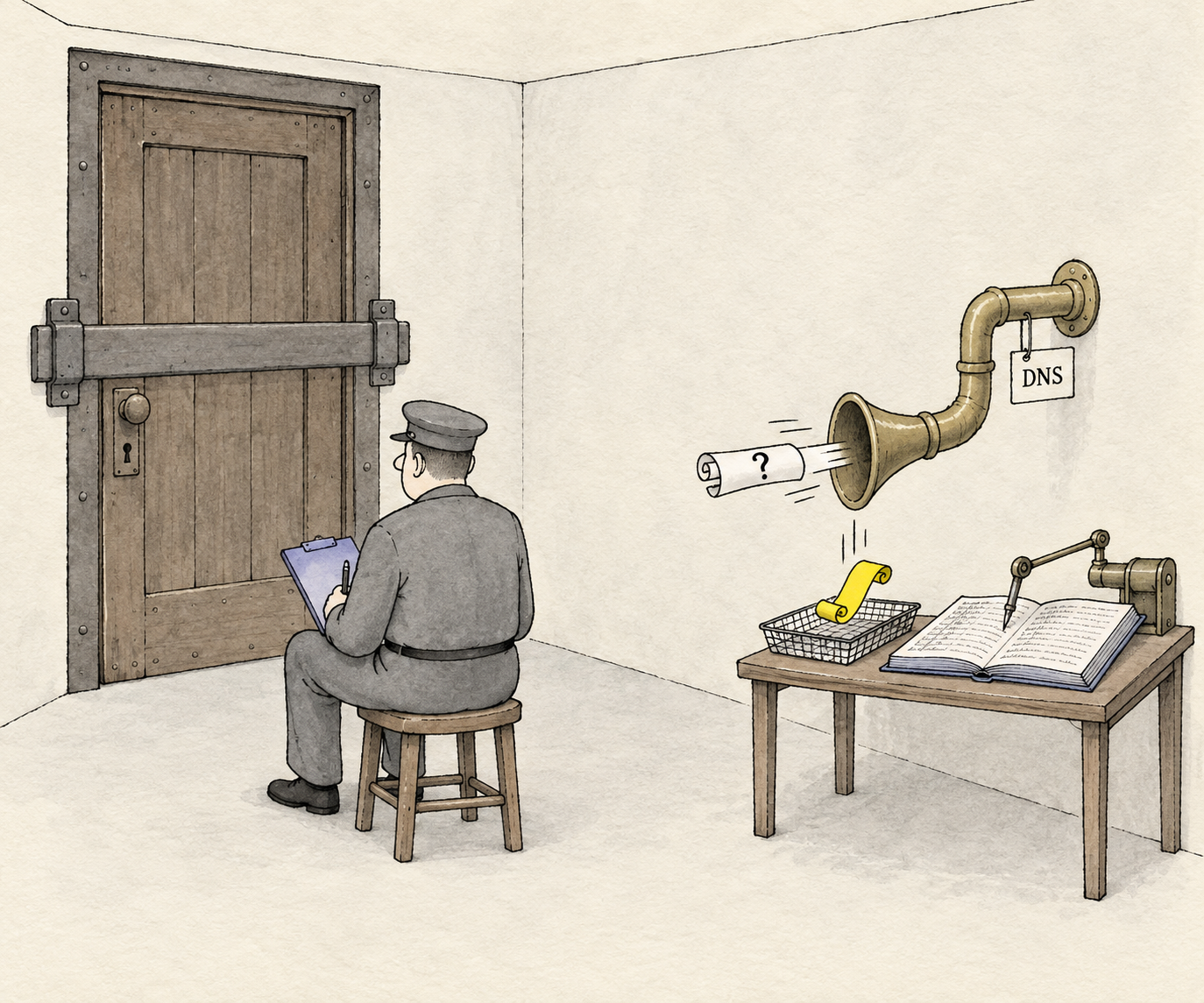
Three things the logs showed that the tables don’t. First, filter-rr filters answers, not
questions: the TXT query for an allowlisted name was still forwarded before being cut to
NODATA. Second, a zone allowlist covers every subdomain, so q-7f3a9.example.com went out
too. Allowlist only zones where you trust whoever can create names; the name allowlist is the
control, and the record filter is hardening. Third, on the --internal network without our
resolver, Docker’s embedded DNS answered SERVFAIL for external names on this engine; on older
versions, test it yourself.
One more thing a desktop app can’t get from this: an allowlist on a laptop would have blocked
the OSS hosts, but not zcode.z.ai, which you need to use the tool at all. Allowlists narrow the
exits. They don’t tell you what goes through the one you left open. Our look at
DeepSeek DSec’s sandbox architecture and resolver boundary
connects that same question to training infrastructure, persistent agent state and reliable evaluations.
Where a gateway fits, and where it does not
In any useful setup there’s one name you can’t block: your model API. That’s where the boundary is thinnest, and where traffic is most worth sending through a hop you can read. That’s what an LLM gateway is for, and we build one. If you run that hop yourself, its logs and allowlist are yours.
It isn’t a fix for ZCode. That upload went to object storage, not a model endpoint, and a gateway on the model path would never have seen it. A managed gateway is also one more party in your data path, with its own retention terms; we made that case in Does OpenAI train on your API data? and Self-hosted proxy vs managed gateway, and the same questions apply to us.
What to do this week
- Look at the data directories of every AI tool you run.
du -sh ~/.<tool>, and anything inside namedcheckpoints,snapshotsorpending. Growth unrelated to chat history is the cheapest signal there is. - Run check ① for a working session:
nettop -P -L 1 -p <pid> -J bytes_in,bytes_outper process frompgrep. If the remote starts with 198.18, read your local proxy’s log. - If you lock a directory, quit the app, preserve the original privately, create an empty replacement, lock it, then
touchto confirm. Stop on any preparation error. On macOS a same-user process can undouchg. - Put agents you run on an
--internalnetwork behind one dual-homed gateway: proxy with default deny, resolver with a zone allowlist andfilter-rr. Then switch to state A and rungrep forwarded /tmp/dnsmasq.log. If nothing reads those lines, you’re where OpenAI’s detector was: logged, and unwatched.
For whoever approves tools
- What does it upload, where, and when? Before the first prompt counts. Ask for the endpoint list, then verify it with check ①.
- Do the settings stop collection, or only a later use? ZCode’s two toggles did the second.
- Who holds the decryption key, and how long is data kept? If only the vendor holds both, deletion can only be shown by the vendor.
- Does it hot-update, and is the build reproducible? A version tag that matches the public repo doesn’t prove the binary matches the source; ferstar made that point about 3.14.3 himself.
Appendix: the full lab script
Run from an empty directory; it cleans up after itself except the egress-lab image
(docker rmi egress-lab).
#!/usr/bin/env bash
set -u
NET=egress-lab-int; GW_IP=10.89.0.2
docker rm -f egress-gw >/dev/null 2>&1; docker network rm "$NET" >/dev/null 2>&1 || true
mkdir -p lab

docker build -q -t egress-lab - <<'EOF'
FROM alpine:3.22
RUN apk add --no-cache dnsmasq tinyproxy bind-tools curl
EOF

cat > lab/dnsmasq.conf <<EOF
no-resolv
no-hosts
listen-address=$GW_IP
bind-interfaces
log-queries
log-facility=/tmp/dnsmasq.log
server=/example.com/1.1.1.1
server=/api.openai.com/1.1.1.1
address=/#/
filter-rr=TXT,ANY
EOF
sed -e '/^server=\//d' -e '/^address=/d' lab/dnsmasq.conf > lab/dnsmasq-open-names.conf
echo 'server=1.1.1.1' >> lab/dnsmasq-open-names.conf
sed -e '/^filter-rr/d' lab/dnsmasq-open-names.conf > lab/dnsmasq-open-all.conf

printf '%s\n' '^example\.com$' '^api\.openai\.com$' > lab/tinyproxy-allow
cat > lab/tinyproxy.conf <<EOF
Port 8888
Listen $GW_IP
Timeout 30
LogFile "/tmp/tinyproxy.log"
LogLevel Connect
Allow 10.89.0.0/24
FilterDefaultDeny Yes
Filter "/lab/tinyproxy-allow"
FilterType ere
ConnectPort 443
EOF

docker network create --internal --subnet 10.89.0.0/24 "$NET" >/dev/null
docker run -d --name egress-gw -v "$PWD/lab:/lab:ro" egress-lab sleep infinity >/dev/null
docker network connect --ip "$GW_IP" "$NET" egress-gw
docker exec egress-gw dnsmasq -C /lab/dnsmasq.conf
docker exec egress-gw tinyproxy -c /lab/tinyproxy.conf
sleep 1

agent() {
  echo "\$ $*"
  docker run --rm --network "$NET" --dns "$GW_IP" \
    -e HTTPS_PROXY="http://$GW_IP:8888" -e HTTP_PROXY="http://$GW_IP:8888" \
    egress-lab sh -c "$*" 2>&1
}
code='-sS -o /dev/null -w "%{http_code}\n" --max-time 10'
st='grep -E "status:|^[^;].*IN" || true'

agent "curl $code https://example.com"
agent "curl $code https://github.com"
agent "curl $code -H 'accept: application/dns-json' 'https://cloudflare-dns.com/dns-query?name=github.com&type=A'"
agent "curl $code --noproxy '*' https://1.1.1.1"
agent "curl $code --noproxy '*' -6 'https://[2606:4700:4700::1111]'"
agent "dig +time=3 +tries=1 @1.1.1.1 github.com | grep -E 'status:|no servers'"
agent "ip route add default via $GW_IP"

for mode in allowlist open-names open-all; do
  if [ "$mode" != allowlist ]; then
    docker exec egress-gw sh -c "pkill dnsmasq; sleep 1; dnsmasq -C /lab/dnsmasq-$mode.conf"
    sleep 1
  fi
  echo "== DNS: $mode"
  for q in "example.com A" "q-7f3a9.example.com A" "github.com A" \
           "what-is-the-capital-of-france.1.2.3.4.nip.io A" "o-o.myaddr.l.google.com TXT"; do
    agent "dig +time=3 +tries=1 $q | $st"
  done
done

docker exec egress-gw sh -c 'grep Request /tmp/tinyproxy.log; grep -E "config|forwarded|reply" /tmp/dnsmasq.log'
docker rm -f egress-gw >/dev/null; docker network rm "$NET" >/dev/null